The Basic Configuration
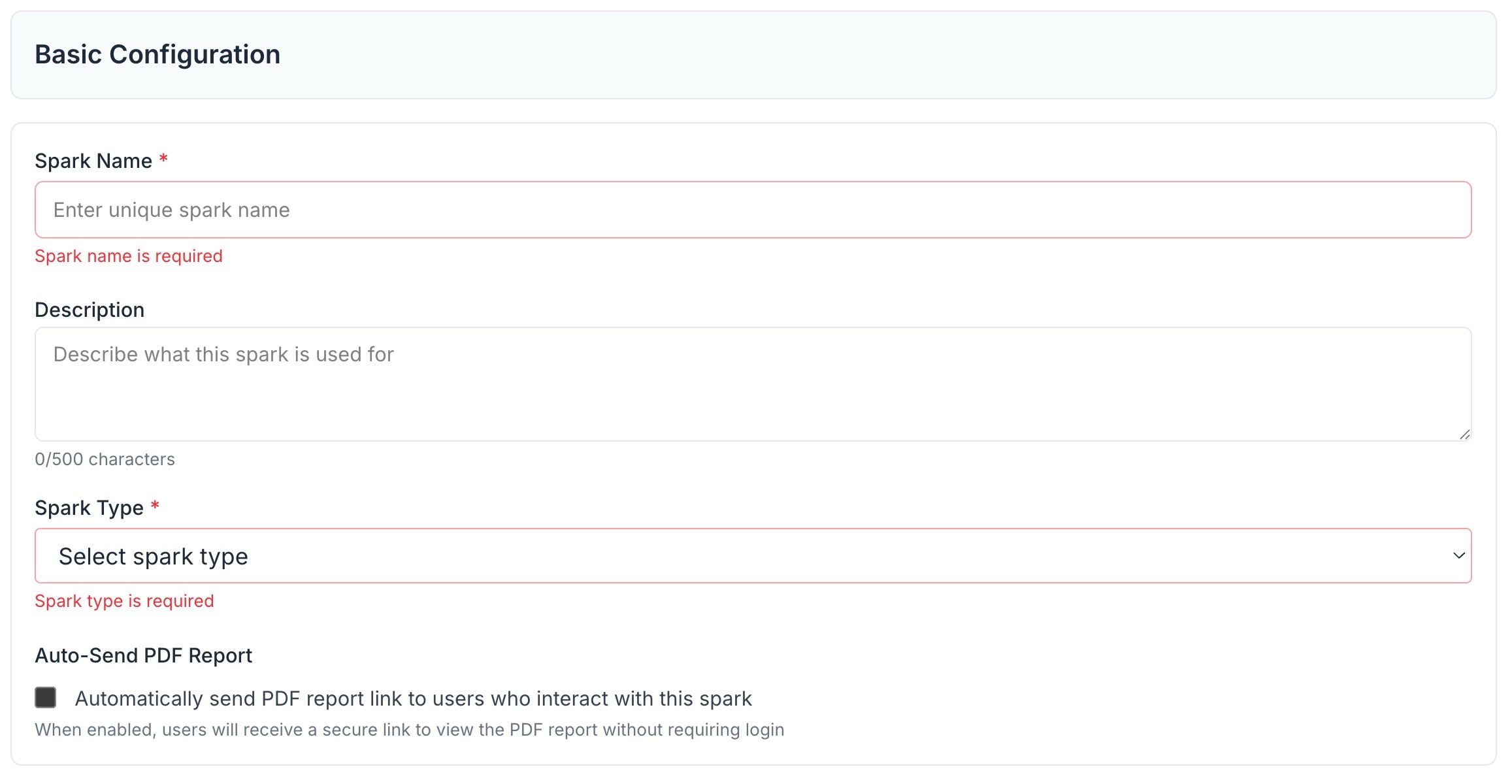
When creating a new Spark, the first step is Basic Configuration. This is where you give your Spark its identity inside NSPECT.
What You’ll Configure
- Spark Name: Give it a clear, descriptive name so your team knows what it’s for.
- Description: Write a short explanation of when to use this Spark and who should use it.
- Type: Used only for grouping Sparks together. This does not change how the Spark functions.
Auto Send Report Option
At the bottom of this section, you’ll see the Auto Send Report checkbox:
- ✅ Checked: The user who initiated the Spark (by call or text) will receive a copy of the report once it’s complete.
- ⬜ Unchecked: The user will not receive the report. Instead, you’ll configure email recipients later in the Report Configuration section.
👉 Once this step is complete, you’ll move on to the Questions section.