
Spark Response Configuration
This section defines how NSPECT interacts with users depending on how they initiate the Spark.
Voice (Incoming Call)
- Incoming Call Message: Played to the caller before the beep. Clearly state what information you need.
- NSPECT will record, transcribe, summarize, and extract action items from the call.
Example:
“Hello, I’m Spark with NSPECT. Please describe the room you’re in, the furniture you see, and any repairs that are needed.”

- Call Spark Response: Sent to the user once they finish their voice call. Often used to thank them or let them know follow-up questions will come by text.

Media (MMS with Picture)
- Media Spark Response: Sent after a picture is received. Example: “Thanks for the image. Don’t forget to call this number to provide more details.”

Text (SMS)
- Text Message Spark Response: Works the same way as Media Spark Response, but for text-only messages.

Additional Options
- Additional Media Request Response: Invites the user to send extra photos/text after completing the main questions.

- Warning Message: Alerts the user that their session is about to expire.

- Final Wrap-up Message: A thank-you or confirmation message once everything is done.

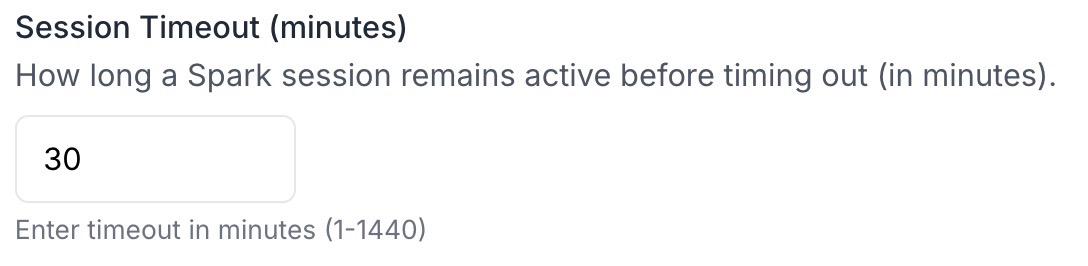
- Session Timeout Settings: Define how long a user has to complete a Spark and what message they get if they don’t finish.
👉 Once Spark Responses are configured, the last step is Report Configuration.